Galaxy S9 SM-G960F · starlte · Exynos 9810
Daily-usableiOS 16.5 from the phone's own flash, through the kernel's own UFS driver, with /private/var kept between boots.
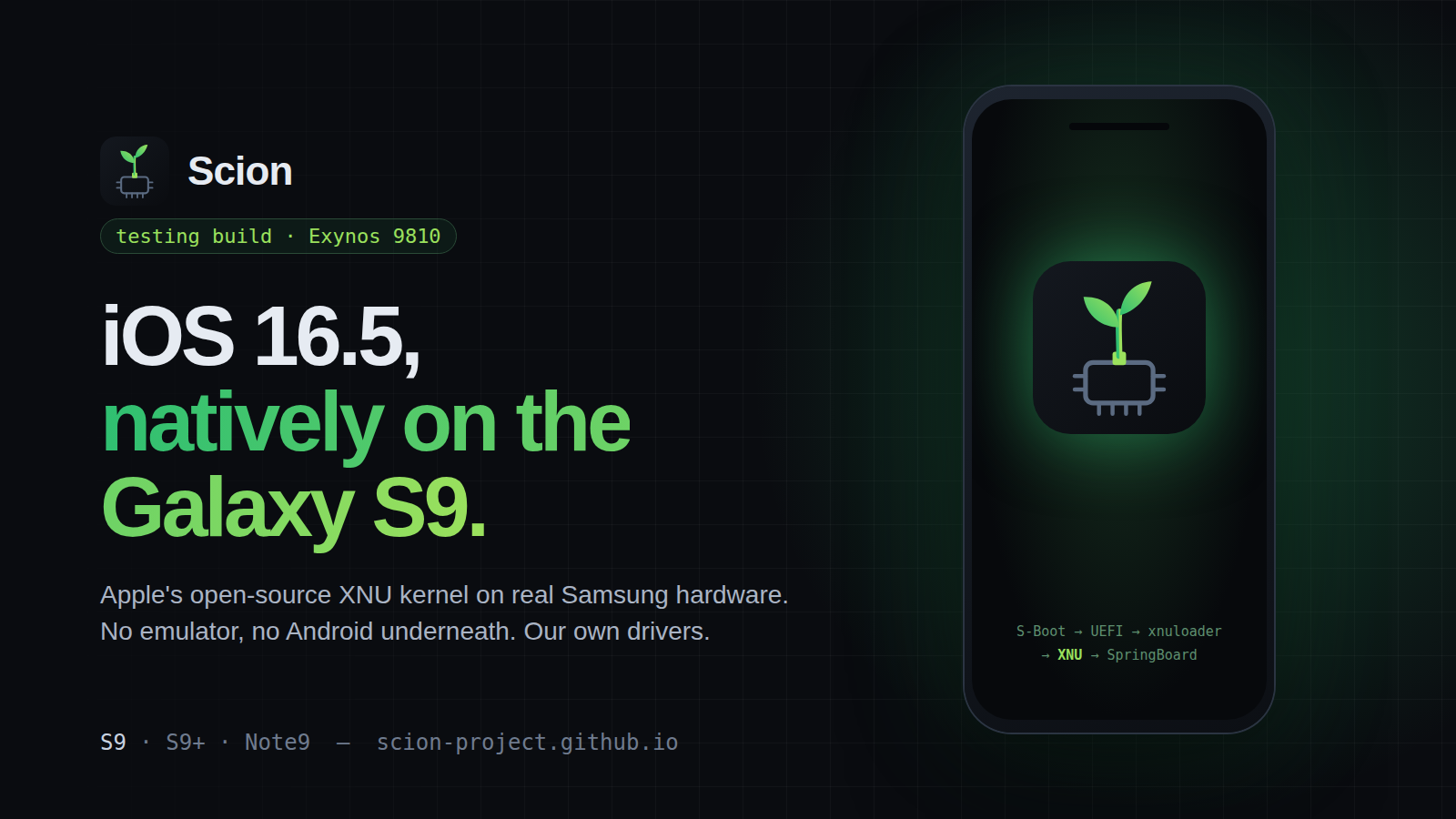
Scion boots Apple's open-source XNU kernel directly on the Galaxy S9: no emulator and no Android underneath, with drivers written from scratch. iOS 16.5 runs on top, built on your own machine from your own IPSW.
scion /ˈsaɪ.ən/: a cutting grafted onto another plant's rootstock.
iOS 16.5 from the phone's own flash, through the kernel's own UFS driver, with /private/var kept between boots.
Same SoC; written but never run. Its first image boots a minimal configuration and returns to TWRP after 120 s with a log. Send us that log.
Same as the S9+: the device repo is written, nobody has booted it yet. Your first run is the first.
A different route: XNU as a guest on Android's own hypervisor (AVF / pKVM), reaching the home screen in about 80 s, or fully emulated with Pyre, a Tensor-tuned fork of ChefKiss's Inferno. Both run from the Scion app.
No Android, no Linux, nothing emulated. Each stage hands the hardware to the next.
BOOT.starltePkg, with Carbon Hypervisor at EL2 handling PSCI.SYSTEM.G960F, G965F, N960F, FD models OK)20F66), downloaded yourself from AppleN) modelsBoot, System and EFS, and copy the backup off the phone. EFS holds your IMEI.git clone https://github.com/Scion-Project/scion-installer
cd scion-installer
./build-installer.sh --ipsw /path/to/iPhone10,3,iPhone10,6_16.5_20F66_Restore.ipsw
Add --device star2lte, crownlte or all for the S9+ and Note9. It checks your IPSW, lists any missing tools with the command to install them (macOS: Xcode command-line tools + brew install sevenzip lld llvm bison meson ninja), and writes the zip and its SHA-256 to ./out. It downloads nothing from Apple. Details and troubleshooting./sdcard with adb push (adb sideload can't take a zip over 2 GB), then in TWRP go to Install, pick the zip and swipe. It checks the model, writes SYSTEM and BOOT, and verifies both by SHA-256. It refuses to touch EFS, the modem or recovery.Leaving: hold five fingers on the screen for 1.5 s to restart into TWRP with the log, or force-restart with Vol Down + Power. Restore your Boot and System backups to get Android back.
Written fresh for XNU from the hardware facts in Samsung's GPL BSP. No Linux code copied in.
Deep dives: Wi-Fi · Audio · Camera · GPU · Bluetooth · Sensors
/var, Wi-Fi joined from Settings, speakers, front camera live in the stock Camera app, brightness slider, touch-boosted CPU governor.No. On the S9 the XNU kernel runs directly on the phone's CPU cores, with drivers for its real hardware. Only the Pixel 10 route uses a hypervisor or emulator.
No, and that isn't a goal. Nothing here makes a phone pass as an iPhone to Apple's servers.
An image contains iOS's own files, which only Apple may distribute. You build yours from an IPSW you get yourself, and it stays yours.
Yes: restore the Boot and System backups you took in TWRP. The installer never touches EFS, the modem or recovery.
Not yet. Partly. On the S9, keychain items are now encrypted under a key derived from your passcode, and forgetting the passcode loses them. Files aren't encrypted, there's no hardware-bound key yet so a short code can be guessed offline from a flash dump, and an unlocked bootloader lets anyone with the phone flash a modified kernel. Don't rely on it to protect serious secrets.
No. Only the Exynos 9810 models (G960F, G965F, N960F, and FD variants).
If you have an S9+ or a Note9, run the first test image and send us the log. Code, docs and driver reviews are welcome on GitHub.
Scion is an independent open-source research project, not affiliated with, endorsed by, or connected to Apple, Samsung or Google. These repositories contain no Apple software: no IPSWs, binaries, caches, keys or screenshots. Images are built on your machine from software you obtain yourself. Whether you may run it on non-Apple hardware is your decision and depends on where you live; see LEGAL.md. Flashing can brick a phone, so back up first.